
Proton VPN brings official one-click installs to the Linux Snap Store — but some features are still missing
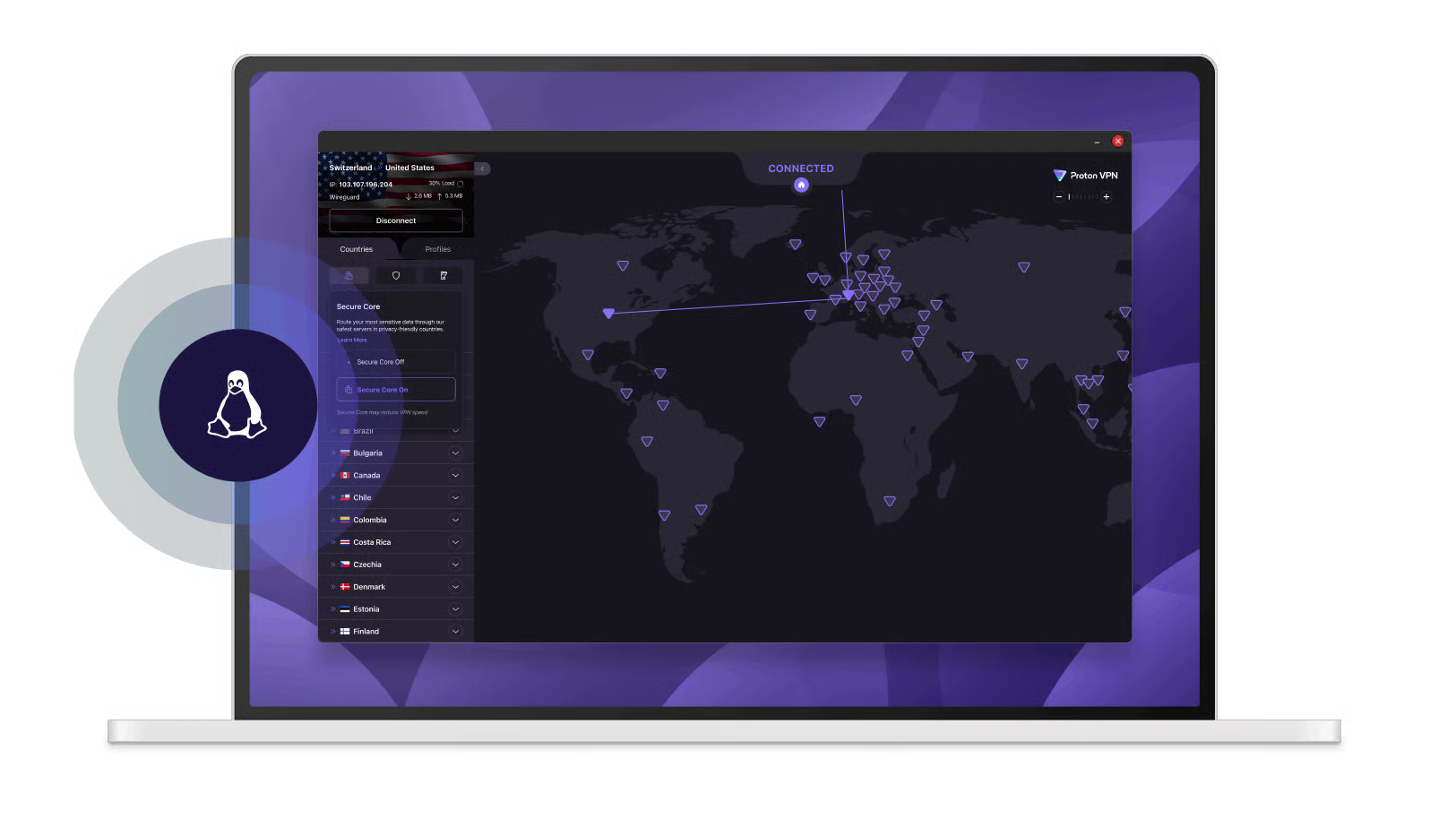
Linux users looking for a top-tier security boost just got a major convenience upgrade. The team behind Proton VPN has announced that its app is now officially available to download directly from the Linux Snap Store.
While the Swiss-based provider always supported Linux VPN distributions, previous accessibility for Snap users was limited to a "community-maintained fork." This release marks the very first time the official build has been published directly by Proton AG.
The move makes downloading one of the best VPN services on the market significantly easier for the open-source community. According to Proton's announcement, users can now perform a straightforward "one-click install on Ubuntu and any distro that supports snaps," saving them the usual hassle of manual command-line configurations or repository hunting.
Proton's Snap Store build arrives complete with a "verified publisher badge," ensuring users aren't accidentally downloading a compromised or outdated client. Yet, it still lacks some key features due to sandboxing limits.
While the Snap Store debut provides the broader community with an "official, trustworthy way to install Proton VPN," the developers were highly transparent about a few technical trade-offs in this initial version.
Most notably, there is "no split tunneling" available just yet.
This highly requested feature, which lets you choose which specific apps bypass the encrypted tunnel to maintain high network speeds, was introduced to Proton’s standard Linux app last year. However, it is absent in the Snap version. "Like our Flatpak, this is due to sandboxing limitations," the team explained, adding that it is "something we hope to resolve in the future."
The provider's anti-censorship tool, the Stealth protocol, also missed the cut. "Stealth protocol isn't included yet. It's not part of this first Snap release," the company confirmed.
Hardware compatibility also comes with a slight catch. The new package offers "no ARM support at this time." While Proton noted that they "expect ARM device volume to be low for now," they are "keeping an eye on it."
Software-wise, the developers warned that "older distros may have issues," cautioning that if users are on an operating system "older than Ubuntu 24, you might run into connection problems."
Despite these early missing features, the Snap Store launch is just the latest in a rapid string of upgrades demonstrating Proton’s dedication to its Linux user base. Unlike many competitors that treat open-source platforms as a secondary concern, Proton has spent recent months closing the feature gap between its Linux, Windows, and Mac applications.
At the beginning of the year, the company revealed a major Linux makeover.
This included upgrading the graphical app to the modern GTK4 framework to pave the way for a complete interface redesign. Meanwhile, command-line interface (CLI) power users received vastly improved server selection tools, alongside support for advanced features like custom DNS settings and the NetShield Ad-blocker.
With the brand-new official Snap release now live at snapcraft.io/proton-vpn, Linux fans finally have the reliable, hassle-free installation method they've been waiting for.
Follow TechRadar on Google News and add us as a preferred source to get our expert news, reviews, and opinion in your feeds. Make sure to click the Follow button!
Rene Millman is a seasoned technology journalist whose work has appeared in The Guardian, the Financial Times, Computer Weekly, and IT Pro. With over two decades of experience as a reporter and editor, he specializes in making complex topics like cybersecurity, VPNs, and enterprise software accessible and engaging.
Please logout and then login again, you will then be prompted to enter your display name.